

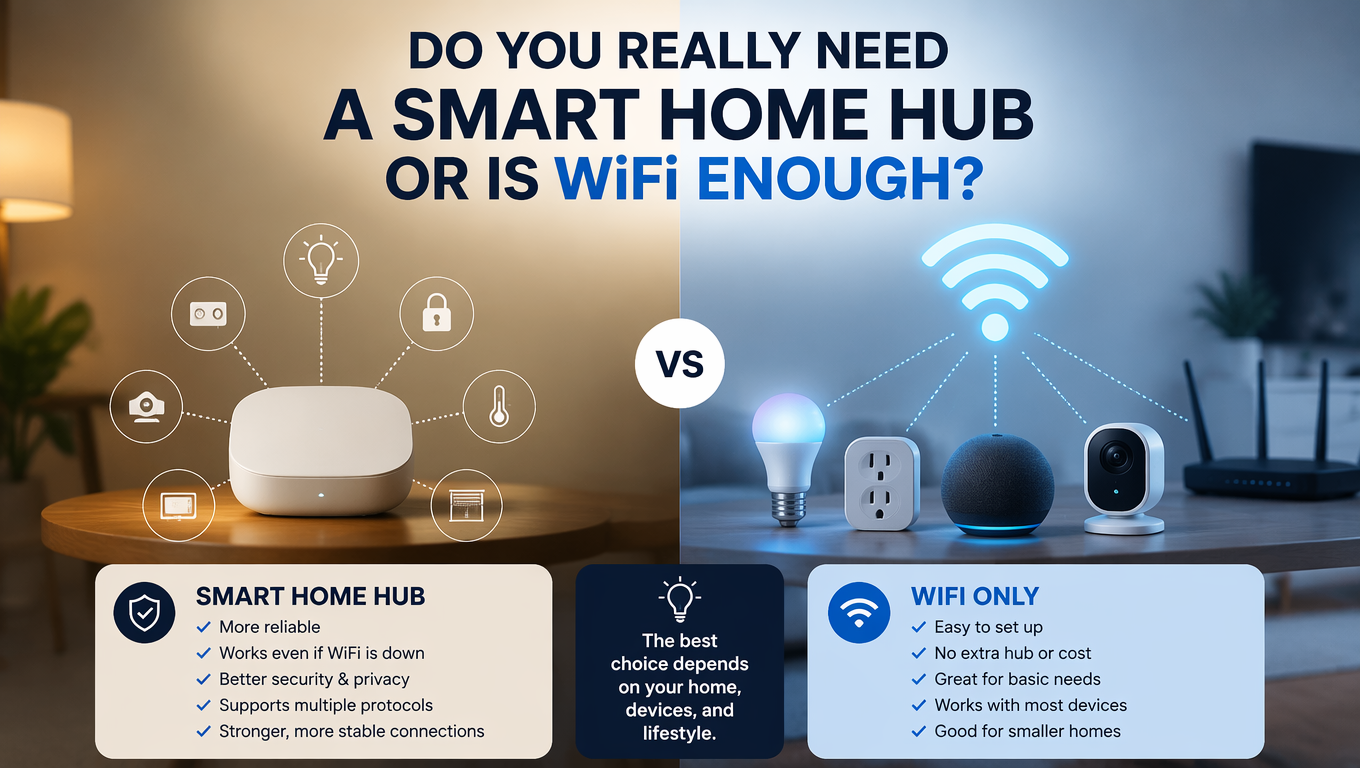
Do You Really Need a Smart Home Hub or Is WiFi Enough? Leave a comment
This is one of the most common questions people ask when they start building a smart home.
Do I need a hub? Or can I just use WiFi devices?
The answer depends on what you want your smart home to do. Here’s a straightforward guide to help you decide.
WiFi-Only Devices Are Great. Until They Aren’t.
WiFi devices are popular because they’re simple. You buy them, connect them to your home network, and control them from your phone. No extra hardware needed.
For basic setups, they work perfectly. A smart plug here. A light bulb there. Maybe a camera in the hallway. All of these run on WiFi.
The catch is that every WiFi device adds to your network load. Your router can handle a lot, but it has limits. With enough devices, you’ll start seeing delays. You say “turn off the lights” and it takes three seconds to respond.
That’s the router being overloaded.
Where Hubs Help
Hubs change the way devices communicate. Instead of each device connecting directly to your router, they connect to the hub. The hub connects to your router.
This seems like an extra step. But it means your router only sees one device. The hub handles everything else.
ZigBee and Z-Wave are the most common hub protocols. They’re designed specifically for smart home devices. They use less power, which is why battery-powered sensors last so long. They also don’t interfere with your WiFi, reducing congestion.
When to Add a Hub
If you’re only using a few devices, a hub is optional. You can build a perfectly functional smart home with WiFi alone.
If you start adding sensors, the hub becomes more useful. Door sensors, motion detectors, water leak sensors, temperature monitors. These devices send small amounts of data regularly. A hub handles them efficiently.
The other benefit is automation. Hubs can run automations locally, even if your internet goes down. WiFi devices usually stop working when the internet fails.
The Thread and Matter Factor
There’s a newer protocol called Thread. It works with Matter, which is a standard backed by Apple, Google, Amazon, and Samsung.
Thread devices don’t need a traditional hub. They connect to each other and form a mesh network. A Thread border router (like an Apple HomePod or Google Nest Hub) manages the network.
It’s simpler than ZigBee or Z-Wave while offering similar benefits.
The Honest Answer
Do you need a hub? Not if you’re starting small. WiFi will serve you well.
Do you need a hub as your system grows? Probably yes. It makes a noticeable difference in reliability and battery life.
If you’re on the fence, start with WiFi devices. Add a hub later if you need it. Most hubs are affordable and easy to set up.
One More Thought
The best smart home is the one you enjoy using. If WiFi devices are working for you, there’s no rush to change. If you’re running into limitations, a hub is worth exploring.
Found these helpful? Share them with someone building their smart home. And subscribe to the ChetaXpress newsletter for more tips, guides, and product updates.
