

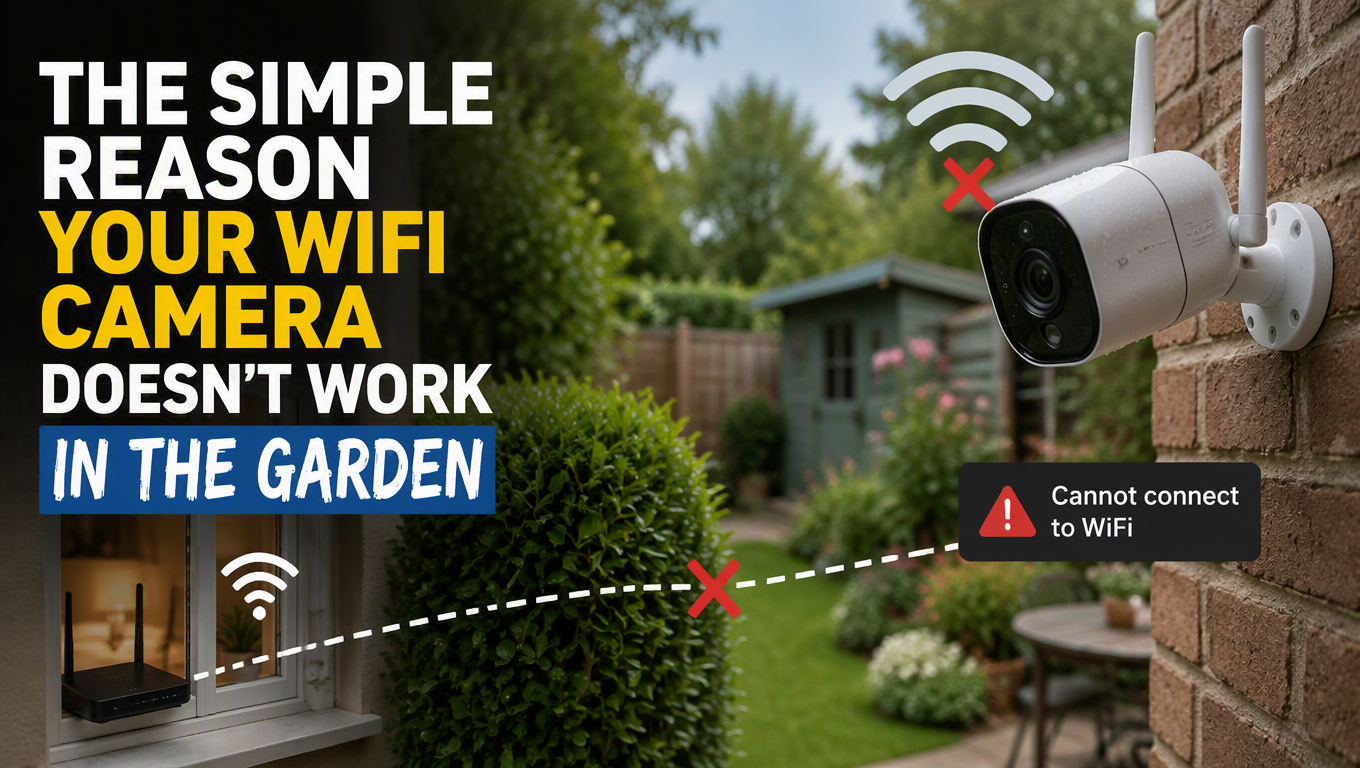
The Simple Reason Your WiFi Camera Doesn’t Work in the Garden (And What to Do About It) Leave a comment
You bought a wireless camera. You mounted it on the back of your house. You connected it to your WiFi.
And then you realized something frustrating.
Every time you try to view the feed, it buffers. Sometimes it disconnects entirely. The video quality drops the further you go into the garden.
It’s not the camera’s fault. It’s the distance.
WiFi Has Limits
Here’s something nobody tells you. WiFi signals don’t travel as far outdoors as they do indoors. Walls reflect and redirect signals. Trees and fences absorb them. Rain can even weaken them.
Indoors, your router can easily cover a 40-foot radius. Outdoors, that range shrinks significantly. If your garden is more than 20 feet from your router, you’re already pushing the limits of reliable connectivity.
That’s not a design flaw. It’s physics.
The good news is there are ways around it without replacing your entire network.
Extending Your Reach
The easiest fix is moving your router closer to the camera. It sounds obvious, but many people place their router in a central location without considering where their cameras are.
If that’s not possible, a WiFi extender can bridge the gap. Place it halfway between your router and the camera. It picks up the signal from your router and pushes it further.
Alternatively, look for cameras with wired connections. Power over Ethernet (POE) cameras use a single cable for both power and data. They’re more reliable than WiFi, especially in outdoor setups. The cable run can go up to 100 meters without signal degradation.
The 4G Option
Some cameras now support 4G cellular connections. These use a SIM card instead of your home WiFi. They work anywhere there’s mobile coverage.
It’s more expensive because you need a data plan, but it completely bypasses WiFi limitations. Perfect for remote properties, construction sites, or vacation homes where internet access is unreliable or nonexistent.
The Real Solution
If you’re serious about outdoor security, combine approaches. Place your router strategically, add an extender if needed, and choose cameras that handle interference well.
Also, consider the placement of your camera. Higher positions often have clearer line-of-sight to the router. Avoid placing cameras near metal surfaces, large appliances, or dense foliage that can block signals.
One More Thing
Your camera needs good WiFi to work. But it also needs it to send clear footage. If the connection is weak, your footage will be grainy or delayed.
That defeats the purpose of having a camera in the first place. You bought it to see what’s happening. Make sure it can do its job.
