


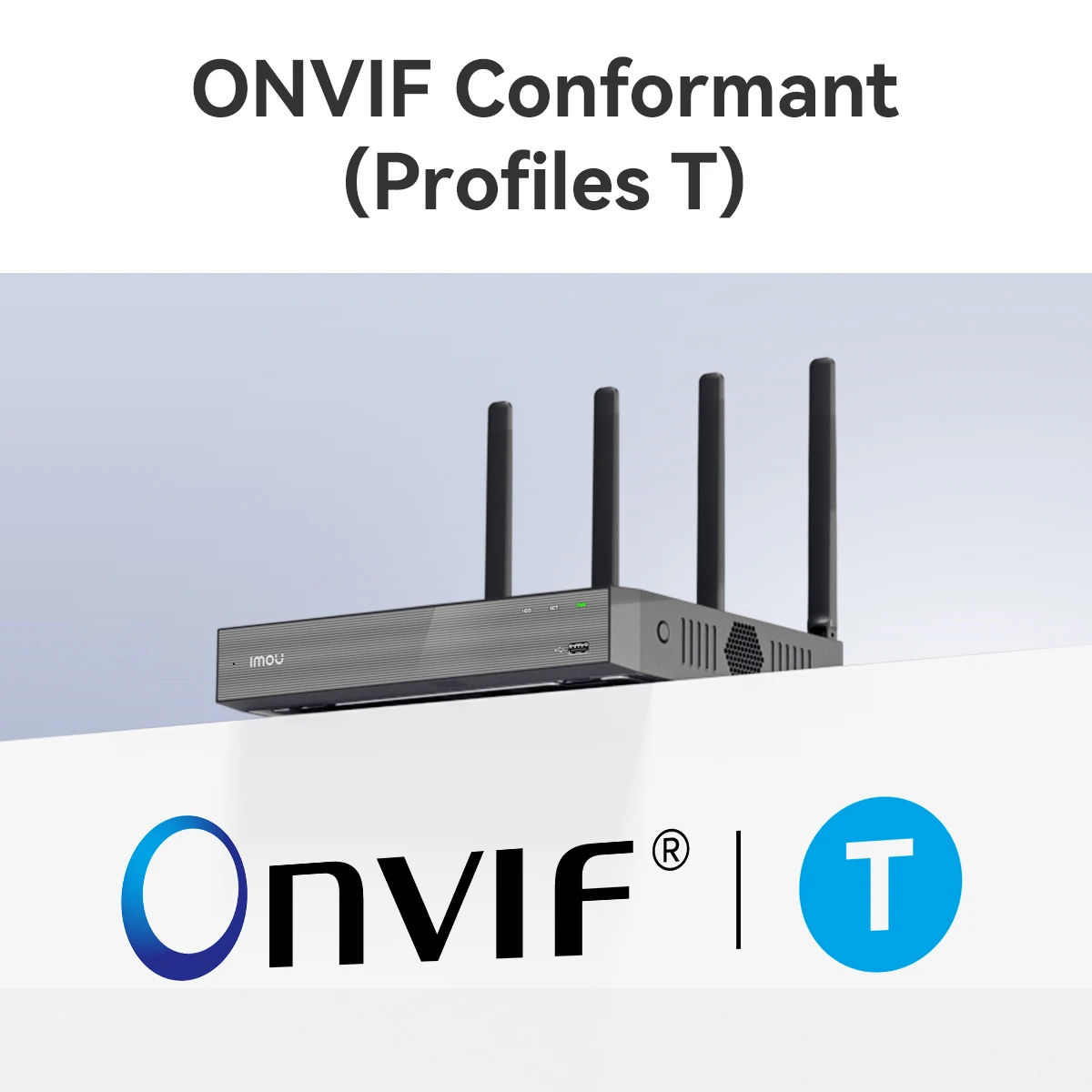
IMOU 10/18CH WiFi Network Security System
6 in stock
Price range: $158.50 through $172.92
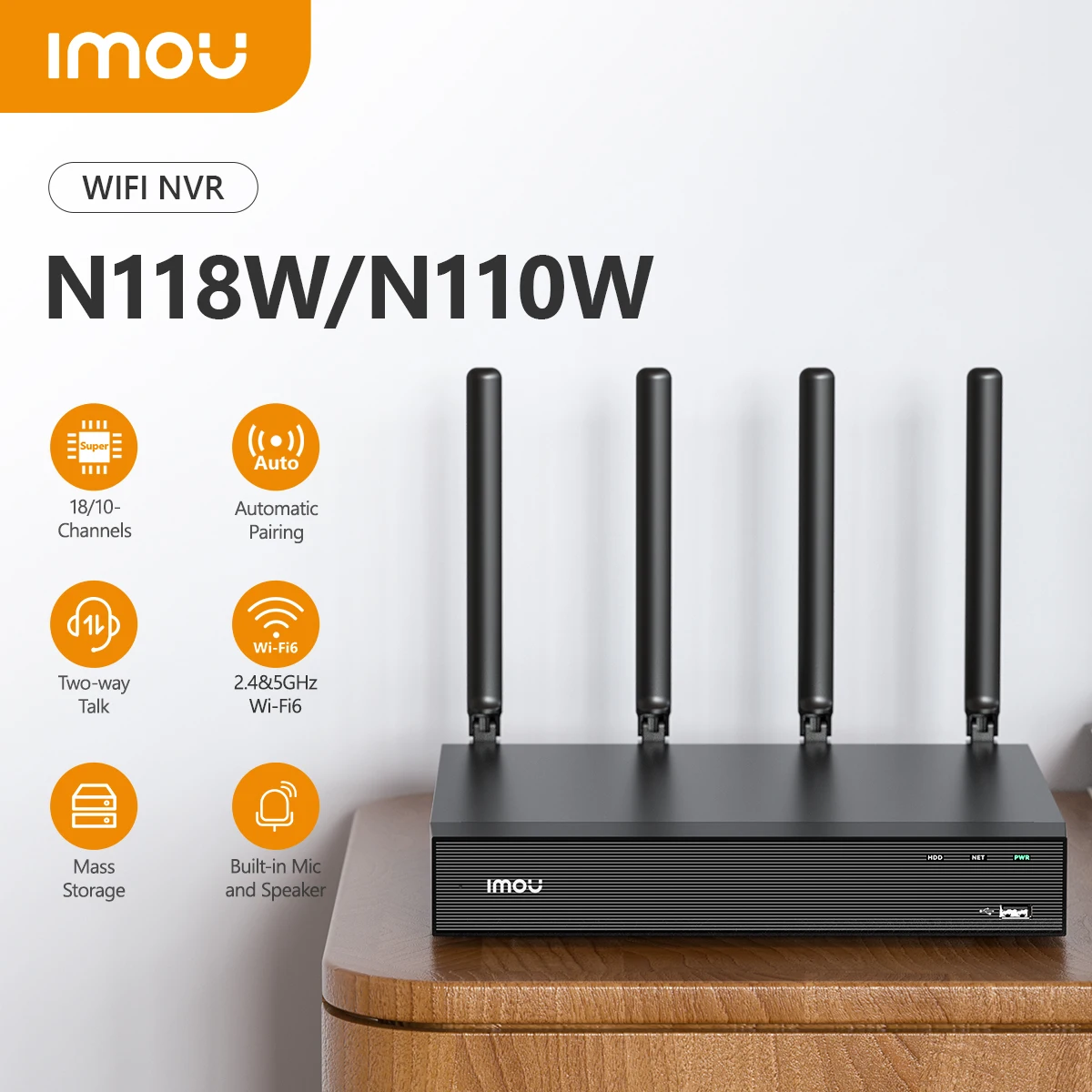
Wireless NVR | 2.4GHz & 5GHz Dual-Band WiFi | Strong Metal Shell | ONVIF Compatible | H.265 Compression
Wireless Security. Professional Grade.
Running Ethernet cables to every security camera is a nightmare. Drilling through walls. Crawling through attics. Hiring electricians. Months of planning.
There has to be a better way.
There is.
Meet the IMOU 10/18CH WiFi Network Security System from ChetaXpress. This is a wireless NVR (Network Video Recorder) that connects to your IP cameras over WiFi — no Ethernet cables required. Just power your cameras, pair them to the NVR wirelessly, and you’re done.
With dual-band 2.4GHz and 5GHz WiFi, a strong metal shell for durability, ONVIF compatibility for multi-brand support, and H.265 compression for efficient storage, this NVR delivers professional security without the professional installation headaches.
What Makes This Wireless NVR Different?
| Feature | What It Does For You |
|---|---|
| Wireless WiFi Connection | Connect up to 8 cameras via WiFi (2.4GHz or 5GHz). No Ethernet cables running from cameras to NVR. Cleaner installation. Lower cost. |
| 10/18 Channel Support | Supports up to 10 or 18 cameras total (depending on model). Mix WiFi and wired cameras. |
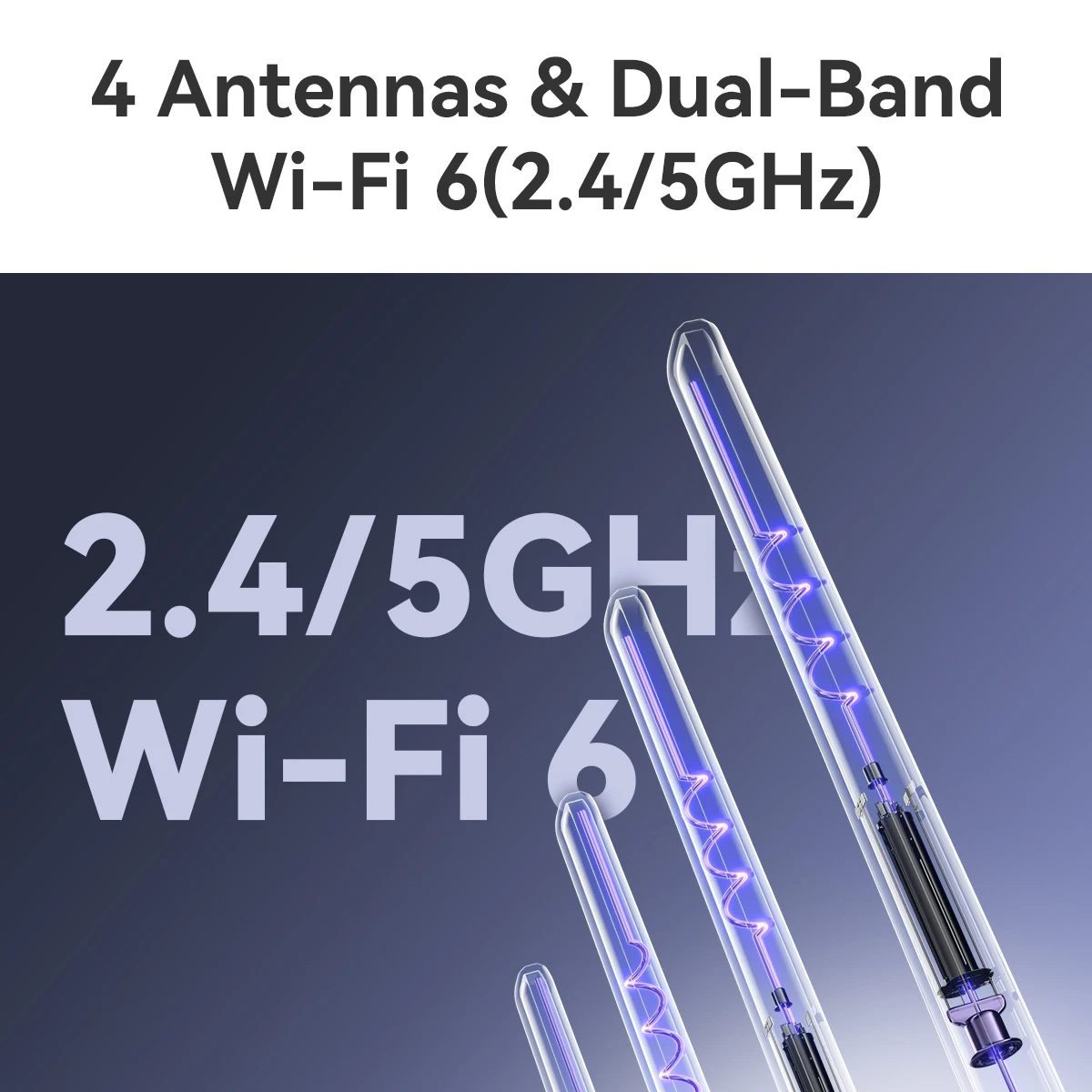
| Dual-Band WiFi (2.4GHz & 5GHz) | 2.4GHz for longer range. 5GHz for faster speeds and less interference. Choose what works best for each camera. |
| Strong Metal Shell | Durable steel housing. Protects the NVR from physical damage. Dissipates heat better than plastic. Built to last. |
| ONVIF Compatible | Works with most ONVIF-compatible IP cameras. Mix and match brands. No vendor lock-in. |
| H.265 Compression | Next-generation compression. Uses approximately 50% less storage than H.264. Record longer. Keep more footage. |
| Auto-Connect to IMOU Cameras | Plug-and-play with IMOU brand cameras. Automatically detects and connects. No manual configuration. |
| 4-Channel 8MP Playback | Play back up to 4 cameras simultaneously at 8MP resolution. Review incidents from multiple angles at once. |
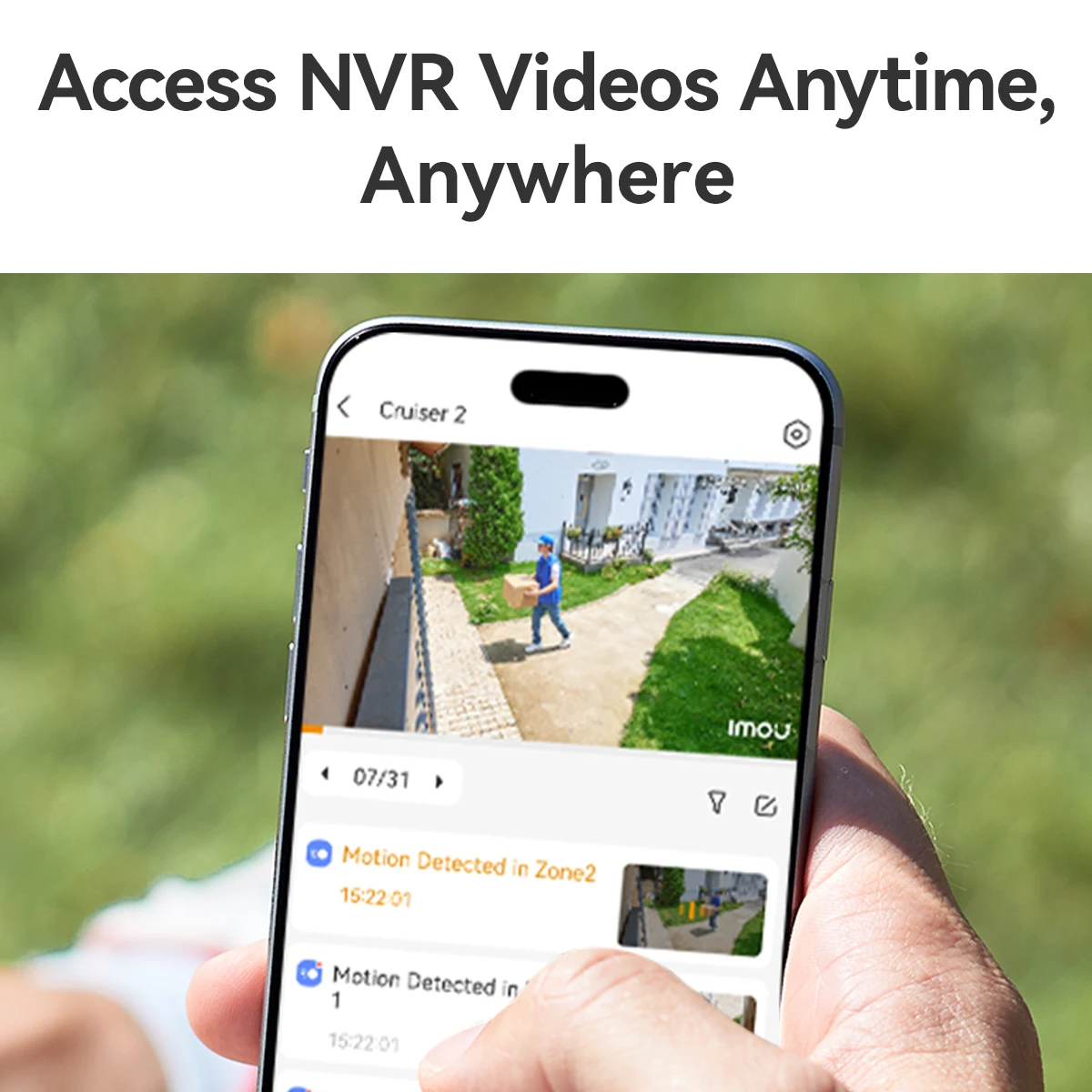
| Smart Detection | Motion detection, person detection, and vehicle detection. Get alerts that actually matter. |
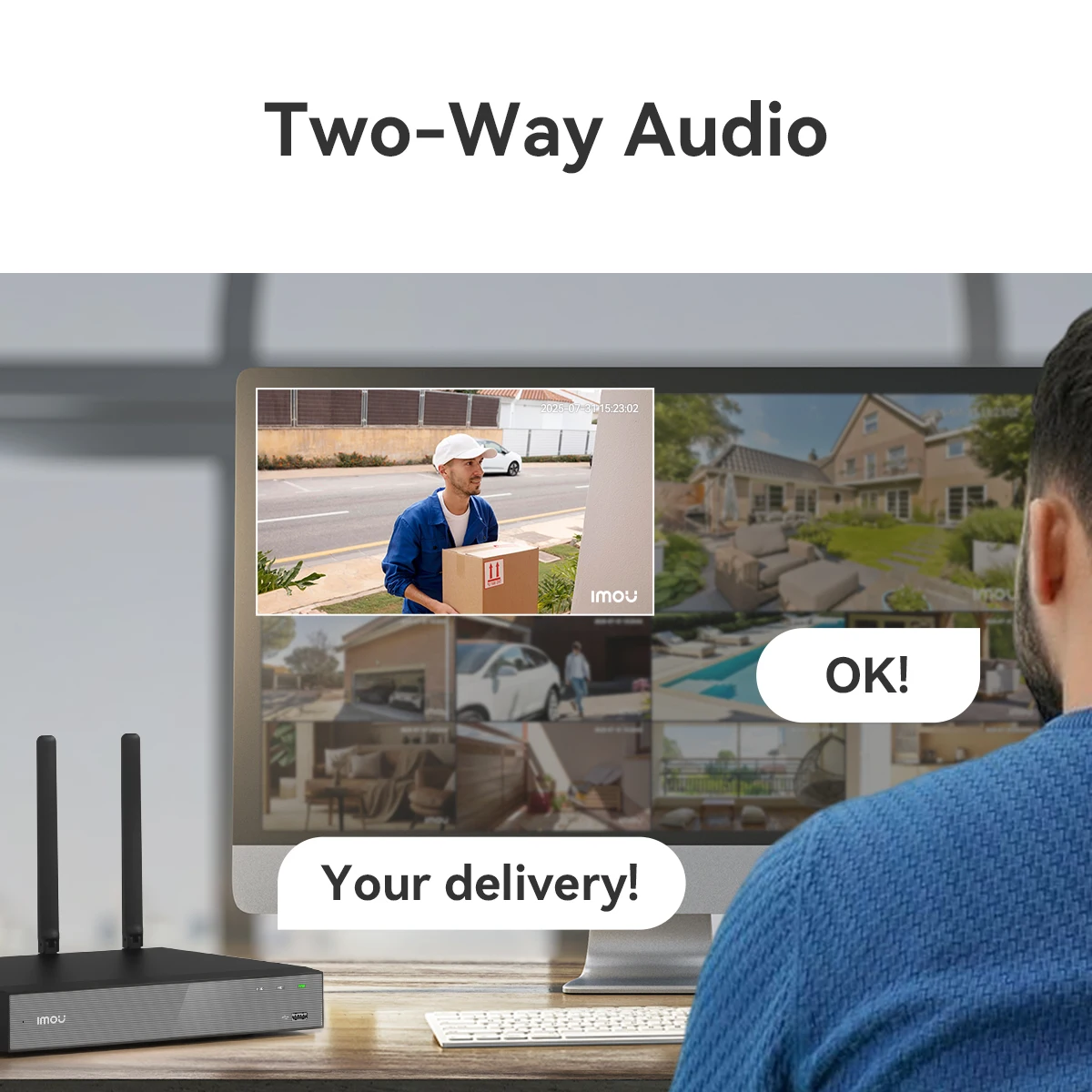
| Built-in Microphone & Speaker | Two-way audio communication. Listen to what’s happening. Speak through the NVR (with compatible cameras). |
| 4K HDMI Output | Connect to your TV or monitor via HDMI. View all cameras in high definition. |
| Massive Storage Support | Supports up to 16TB hard drive (SATA, 3.5″). Record weeks or months of footage. |
| Remote Upgrade | Update firmware over the internet. No USB drives. No complicated processes. |
Wireless vs Wired NVR: The Real Difference
| Feature | Wired NVR (POE) | Wireless NVR (IMOU) |
|---|---|---|
| Camera Connection | Ethernet cable required | WiFi (2.4/5GHz) |
| Installation Difficulty | High (drilling, cable runs) | Low (power cameras, pair via WiFi) |
| Installation Time | Days | Hours |
| Professional Installer | Often required | DIY-friendly |
| Renter-Friendly | No (drilling required) | Yes (no permanent wiring) |
| Flexibility | Fixed camera positions | Move cameras easily |
| Range | 100m per cable | Depends on WiFi coverage |
| Reliability | Very high | High (with good WiFi) |
With the IMOU wireless NVR, you get most of the reliability of wired — with a fraction of the installation hassle.
Technical Specifications
| Specification | Detail |
|---|---|
| Product Type | Wireless Network Video Recorder (NVR) |
| Brand | IMOU |
| Access Channels | 10 or 18 channels (depending on model) |
| WiFi Access | Up to 8 channels via WiFi (2.4GHz / 5GHz) |
| Network Bandwidth | 90 Mbps |
| Playback Decoding | 4-ch 8MP @ 15fps, 4-ch 5MP @ 30fps |
| Compression Format | H.265, H.264 |
| Audio Compression | AAC |
| Two-Way Audio | Yes (built-in microphone + speaker) |
| Backup File Format | MP4 |
| Live Display Modes | 1, 4, 8, 9, 10 cameras |
| Wired Network | 1 x RJ-45 10/100 Mbps Ethernet (for router connection) |
| Network Interface | 1 x RJ-45 port (10/100 Mbps) |
| Remote Upgrade | Yes (over internet) |
| Smart Detection | Motion / Person / Vehicle |
| IPC Connection | Automatically connects to IMOU cameras |
| Video Output | 1 x VGA, 1 x HDMI |
| Audio Input | 1 x Microphone (built-in) |
| Audio Output | 1 x Speaker (built-in) |
| Hard Drive Interface | 1 x SATA port |
| Hard Drive Capacity | Up to 16 TB (3.5″ HDD, not included) |
| Backup Media | USB Flash Drive |
| Video Standard | NTSC, PAL |
| Net Weight | 1.65 kg (3.6 lbs) |
| Shell Material | Metal (strong steel) |
| Certifications | CE |
| Origin | Mainland China |
Package Contents
| Item | Quantity |
|---|---|
| IMOU Wireless NVR (10 or 18 channel) | 1 |
| Power Adapter | 1 |
| USB Mouse | 1 |
| Ethernet Cable (short, for router connection) | 1 |
| Quick Start Guide | 1 |
| Hard Drive Screws | 4+ |
| ChetaXpress Thank You Card | 1 |
(Hard drive not included — purchase 3.5″ SATA HDD separately, up to 16TB)
(IP cameras not included — purchase separately, IMOU or ONVIF compatible)
Why You Should Get This Wireless NVR — Right Now
Reason 1: No Ethernet Cables = Easier Installation
Running Ethernet cables is the hardest part of installing a security system. This NVR uses WiFi to connect to cameras. Just power your cameras, pair them wirelessly, and you’re done. Hours instead of days.
Reason 2: Dual-Band WiFi (2.4GHz + 5GHz)
-
2.4GHz: Longer range. Better through walls. Perfect for distant cameras.
-
5GHz: Faster speeds. Less interference. Perfect for nearby cameras.
Choose the best band for each camera’s location.
Reason 3: Strong Metal Shell
Most NVRs are plastic. This one is steel. Better heat dissipation. Better physical protection. Better durability. Built to last for years.
Reason 4: ONVIF Compatible = No Brand Lock-In
Not forced to buy only IMOU cameras. Use any ONVIF-compatible IP camera. Mix and match brands. Upgrade cameras over time. Your NVR stays the same.
Reason 5: H.265 Compression = More Storage
H.265 uses approximately half the storage of H.264. Record longer. Keep more footage. Save money on hard drives.
Reason 6: Smart Detection (Motion / Person / Vehicle)
Get alerts that matter. Ignore leaves blowing in the wind. Know immediately when a person or vehicle appears on your property.
Reason 7: 4-Channel 8MP Playback
Play back up to 4 cameras simultaneously at 8MP resolution. Review incidents from every angle at once. No more switching between cameras.
Reason 8: Massive Storage (Up to 16TB)
Support for up to 16TB hard drive. Record weeks or months of continuous footage. Perfect for businesses or large properties.
Reason 9: Remote Upgrade
Firmware updates over the internet. No USB drives. No complicated downloads. Just click “upgrade” in the app.
Reason 10: ChetaXpress Approved
| Standard | How This Product Delivers |
|---|---|
| Impactful | Wireless installation saves days of work |
| Seamless | Auto-connects to IMOU cameras. Simple setup. |
| Compatible | ONVIF standard works with most IP cameras |
| Reliable | Metal shell. Dual-band WiFi. H.265 compression. |
| Future-proof | 5GHz WiFi. 8MP playback. Regular updates. |
Who Is This For?
| You might be… | Why you need this NVR |
|---|---|
| A homeowner | Professional security without professional installation |
| A renter | No drilling. No permanent wiring. Landlord approved. |
| A small business owner | Secure your store without expensive cabling |
| An office manager | Monitor entrances, parking, and hallways wirelessly |
| A property manager | Easy installation across multiple units |
| Anyone who hates running cables | Because drilling through walls is the worst |
System Diagram (Wireless Setup)
┌─────────────────────────────────────────────────────────────────┐
│                         YOUR HOME                               │
│                                                                 │
│   ┌──────────────┐                                              │
│   │   Router     │                                              │
│   └──────┬───────┘                                              │
│          │ Ethernet (1 cable only)                              │
│   ┌──────┴───────┐                                              │
│   │   IMOU NVR   │ (Metal shell, up to 16TB HDD inside)        │
│   └──────┬───────┘                                              │
│          │                                                      │
│          │ WiFi 2.4GHz / 5GHz (no Ethernet cables to cameras)   │
│          │                                                      │
│   ┌──────┴───────┐ ┌──────┴───────┐ ┌──────┴───────┐            │
│   │   Camera 1   │ │   Camera 2   │ │   Camera 3-8│            │
│   │   (WiFi)     │ │   (WiFi)     │ │   (WiFi)    │            │
│   └──────────────┘ └──────────────┘ └──────────────┘            │
│                                                                 │
│   Remote Access via IMOU App (Phone, Tablet)                    │
│                                                                 │
└─────────────────────────────────────────────────────────────────┘
Note: Cameras still need power (either via outlet or POE injector). Only the data connection is wireless.
How to Set Up (5 Simple Steps)
| Step | Action |
|---|---|
| 1 | Install 3.5″ SATA hard drive (up to 16TB, not included) into NVR |
| 2 | Connect NVR to your router via Ethernet cable (1 cable only) |
| 3 | Connect NVR to monitor via HDMI or VGA |
| 4 | Power on NVR. Follow on-screen setup wizard. |
| 5 | Pair IMOU cameras (or ONVIF cameras) via WiFi using the IMOU app |
That’s it. No Ethernet cables to each camera. No drilling. No electrician.
Camera Compatibility
| Camera Type | Compatibility |
|---|---|
| IMOU brand IP cameras | Full compatibility + auto-connect (plug and play) |
| ONVIF-compatible IP cameras | Full compatibility (manual setup) |
| Non-ONVIF cameras | Not compatible |
Recommendation: Use IMOU cameras for the easiest setup (auto-connect). Use any ONVIF camera for flexibility.
WiFi Range Considerations
| Factor | Impact |
|---|---|
| 2.4GHz WiFi | Longer range (up to 45m/150ft indoors). Better through walls. |
| 5GHz WiFi | Shorter range (up to 15m/50ft indoors). Faster speeds. Less interference. |
| Obstacles | Walls, floors, and large appliances reduce range. |
| Interference | Other WiFi networks, microwaves, cordless phones. |
Tips for best WiFi performance:
-
Place NVR centrally in your home
-
Use 2.4GHz for distant cameras
-
Use 5GHz for nearby cameras (less interference)
-
Consider WiFi extender for very distant cameras
Hard Drive Installation
| Step | Action |
|---|---|
| 1 | Open NVR case (screws on bottom or back) |
| 2 | Connect SATA cable to hard drive |
| 3 | Connect power cable to hard drive |
| 4 | Mount hard drive using included screws |
| 5 | Close case. Power on. Format drive via NVR menu. |
Hard drive not included. Recommend 1TB–16TB 3.5″ SATA HDD (WD Purple or Seagate SkyHawk for surveillance).
Storage Calculator
| Setting | Storage per Camera per Day | 8 Cameras per Day | 4TB Drive Retention |
|---|---|---|---|
| 4K, H.264, 15fps | ~40GB | ~320GB | ~12 days |
| 4K, H.265, 15fps | ~20GB | ~160GB | ~25 days |
| 1080p, H.265, 15fps | ~10GB | ~80GB | ~50 days |
| 1080p, H.265, motion-only | ~3-5GB | ~25-40GB | ~100-160 days |
Actual storage varies by scene complexity, motion frequency, and bitrate settings.
Recommendation: 2TB HDD for basic systems. 4TB+ for 30+ day retention.
Smart Detection Features
| Detection Type | What It Detects | Best For |
|---|---|---|
| Motion Detection | Any movement | General awareness |
| Person Detection | Human shapes | Security alerts (ignores pets, cars, shadows) |
| Vehicle Detection | Cars, trucks, motorcycles | Driveway and parking lot monitoring |
Alerts: Email notifications, push notifications to IMOU app, local alarm output.
Comparison: IMOU Wireless NVR vs Traditional POE NVR
| Feature | Traditional POE NVR | IMOU Wireless NVR |
|---|---|---|
| Camera Connection | Ethernet cable required | WiFi (2.4/5GHz) |
| Installation Time | Days | Hours |
| Drilling Required | Yes | No |
| DIY-Friendly | Difficult | Easy |
| Renter-Friendly | No | Yes |
| Max WiFi Channels | N/A | Up to 8 |
| Total Channels | 8-16 | 10-18 |
| Metal Shell | Sometimes | Yes |
| ONVIF Compatible | Usually | Yes |
| H.265 Compression | Sometimes | Yes |
| Smart Detection | Sometimes | Yes |
| Price | Similar | Similar |
Real Customer Story (Early Review)
“I wanted security cameras for my rental house, but I couldn’t drill holes for Ethernet cables. The IMOU wireless NVR was the perfect solution. I connected eight IMOU cameras via WiFi — no drilling, no cables, no damage to the walls. The setup took about two hours total. The metal shell feels solid, and the dual-band WiFi gives me a strong connection to all my cameras. Highly recommend for renters or anyone who hates running cables.”
— Jennifer K.,
Important Notes
| Note | Detail |
|---|---|
| Hard drive not included | Purchase 3.5″ SATA HDD separately (up to 16TB) |
| Cameras not included | IP cameras sold separately (IMOU or ONVIF compatible) |
| Cameras still need power | WiFi handles data only. Cameras need power outlet or POE injector. |
| Max 8 WiFi cameras | Additional cameras (9-18) require wired Ethernet connection |
| WiFi range | Ensure cameras within range of your router or NVR’s WiFi |
| 2.4GHz vs 5GHz | Use 2.4GHz for longer range. Use 5GHz for faster speeds. |
| Network speed | 10/100 Mbps Ethernet is sufficient for 8 cameras |
30-Day Risk-Free Guarantee
Don’t love it? We’ll refund you. No questions asked. You have 30 days from delivery to try it in your home.
That’s the ChetaXpress promise.
Ready to Go Wireless?
Your shortcut to hassle-free security installation starts here.
👉 Add to Cart Now
Questions? Chat with us or email [email protected]. We’re real humans, and we’re happy to help you design the right security system for your property.
*IMOU 10/18CH WiFi Network Security System — Because security shouldn’t require a construction project.*📡🔒
| Weight | 20 kg |
|---|---|
| Dimensions | 32 cm |
| Brand Name | IMOU |
| Origin | Mainland China |
| Whether or Not 50Vac or 75Vdc or Higher Power Supply | No |
| High-concerned chemical | None |
| Two-way Audio | Yes |
| Compression Format | H.264 |
| Certification | CE |
| Supported Mobile Systems | Android |
| Video Standard | PAL |
| Backup Type | Hard Drive |
| Access Channel | 10/18 Channels |
| WiFi Access | 2.4G/5G Max 8-channels, |
| Network Bandwidth | 90Mbps |
| Playback Decoding | 4-ch 8MP@15fps,4-ch 5MP@30fps |
| Compression | H.265/H.264 |
| Audio Compression | AAC |
| Back-up File Format | MP4 |
| Live Display | 1,4,8,9,10 |
| Wired Network | 1, RJ-45 10/100 Mbps self,adaptive Ethernet interface |
| Remote Upgrade | Yes |
| Smart Detection | Motion / Person / Vehicle |
| IPC Connection | Automatically connect to IMOU cameras |
| Network Interface | 1 RJ 45 port ,10/100 Mbps |
| Audio Input | 1x Microphone(Built-in) |
| Audio Output | 1x Speaker,Built-in |
| Hard Drive Capacity | 1 SATA port, up to 16 TB |
| Video Output | 1x VGA, 1x HDMI |
| Backup Media | USB Flash Drive |
| Net Weight | 1.65kg |


There are no reviews yet.